



How I Use Pinterest to Get More Eyes on My Surface Pattern Designs
-
A simple, creative approach to building visibility with ease and intention
If you’ve ever wondered whether Pinterest is still worth your time as a surface pattern designer, the short answer is yes. But it’s not just about pinning pretty pictures and hoping for the best — Pinterest for surface pattern designers is a powerful tool when used strategically to showcase your work, attract clients, and grow your audience.
Over the past few months, I’ve been slowly weaving Pinterest into my workflow, using it not only as a source of inspiration but also as a way to get more eyes on my collections, mock-ups, color palettes, and blog posts. And to my surprise, it’s been quietly working in the background, sending traffic, helping people discover my work, and bringing a little more life to the designs I pour so much love into.
In this post, I’m sharing the basics of how I use Pinterest (without stress!) as a creative tool and visibility booster, and I’m also preparing a more detailed freebie that will take you behind the scenes with even more tips and examples. But first, let’s start here.
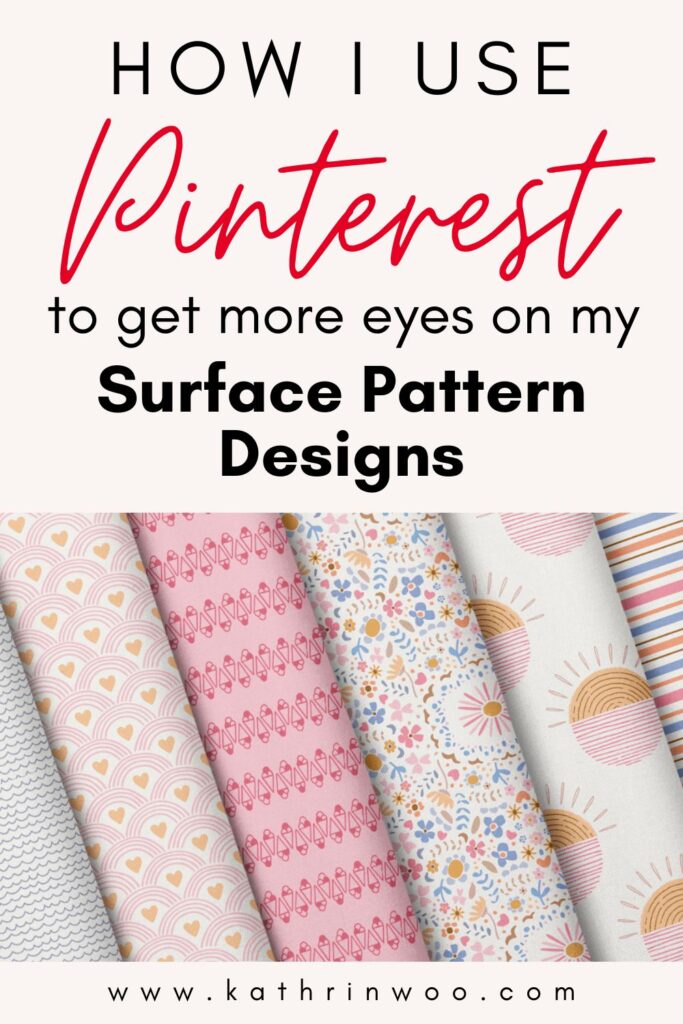
Pinterest is more than just moodboards
It’s no secret that Pinterest is full of beautiful things and as designers, we’ve all likely used it to gather references or color inspiration. But what if you flipped the script and started using Pinterest to showcase your own work?
You don’t need to have hundreds of products or a huge following to make Pinterest work for you. You just need to be consistent, thoughtful, and a little bit strategic with the kinds of content you pin and how you pin it.
Here’s what I’ve been pinning (and why)
I like to think of Pinterest as a visual portfolio that keeps working for me long after I hit “publish.” Here are the main types of pins I use:
1. Collection pins
When I finish a collection, I create a pin that features the full lineup, usually a hero pattern and a few supporting ones. This is perfect for showing off the cohesion of your work.
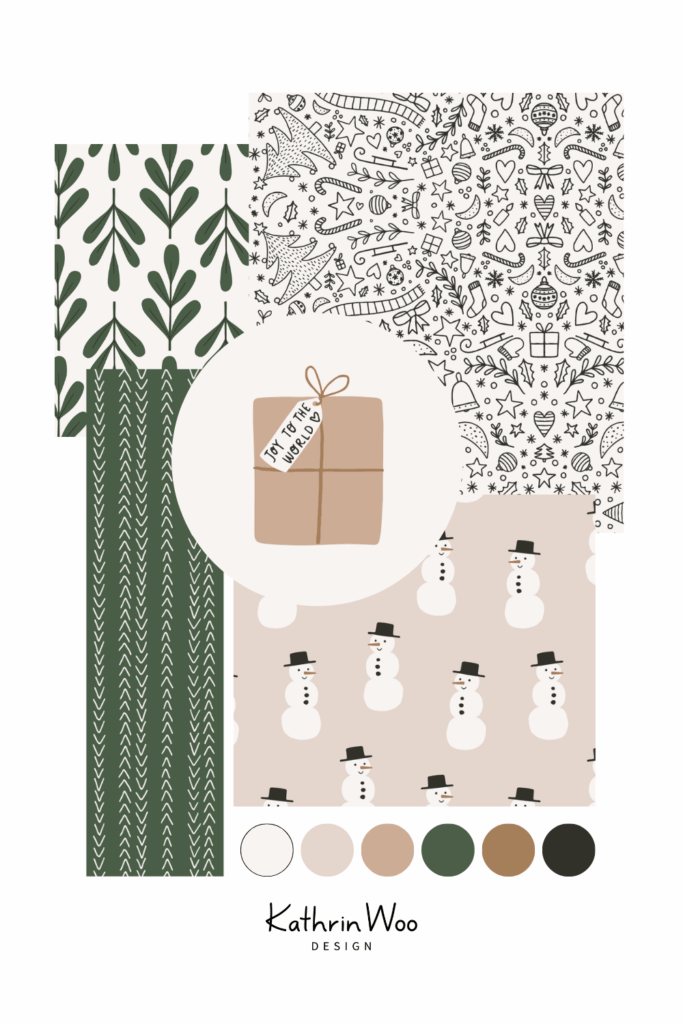
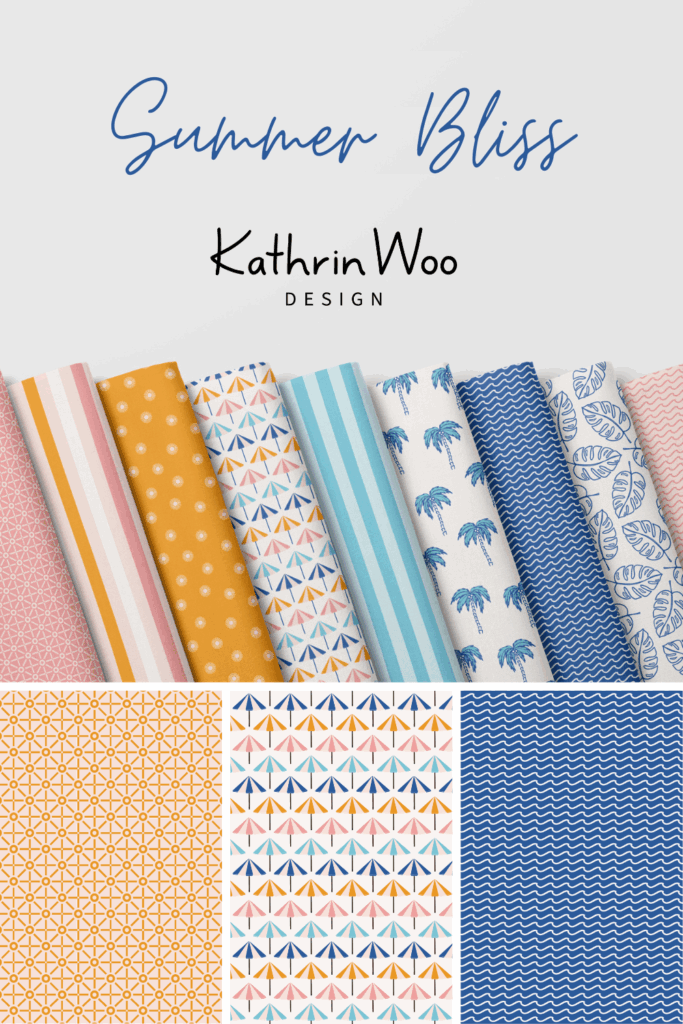
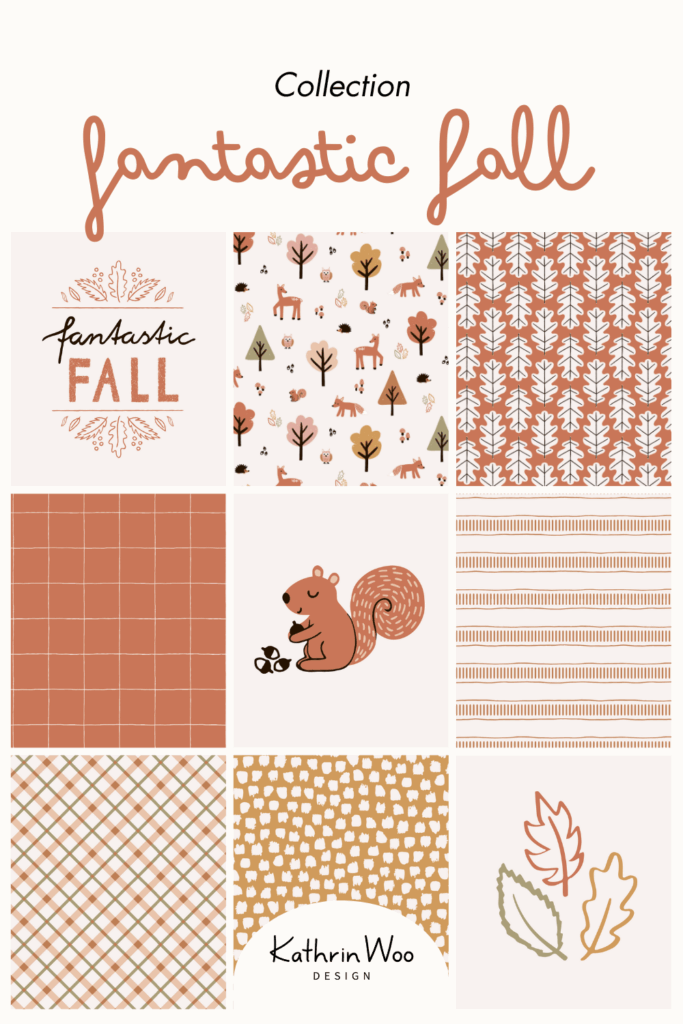
2. Single design pins
Sometimes I’ll pin just one pattern, especially if I’ve mocked it up on a product or want to link directly to a licensing page or portfolio.
3. Mock-up pins
These are my favorite! A single pattern or panel design may look lovely, but showing it on a product (like apparel, pillow, or wallpaper) helps people imagine how it could be used.
Just have a look at a few pins from my Wall Decor Pinterest Board — they’re a great example of how presentation can bring a design to life:

4. Color palette pins
I’ve started saving color combinations from my collections or from little personal projects. These often get shared and repinned by other creatives, and they can act as a gateway to your full portfolio.
A quick Pinterest strategy that doesn’t overwhelm
This might sound like a lot, but I promise it’s manageable when you find a rhythm. I aim to:
- Pin 1 piece of content per day, even if it’s just a new mock-up or a different layout of an older pattern.
- Make sure each pin links back to a blog post or my portfolio, so people who discover me can explore more.
- Write short but thoughtful descriptions with keywords like “surface pattern design,” “seamless repeat,” or “color palette for textiles.”
- Schedule pins in advance when possible (using a tool like Tailwind or Pinterest’s native scheduler).
What helps the most? Thinking of Pinterest as part of my creative storytelling, not just a marketing task.
Final thoughts
Pinterest doesn’t have to be complicated or time-consuming to be effective. With a few simple habits, a mix of pin types, and a little bit of intention behind what you share, it can become a quiet but powerful part of your creative business.
And if you’re curious about how to set up your own Pinterest system, with real-life examples, pin templates, and content ideas, keep your eyes out for my upcoming freebie. I can’t wait to share it with you.
In the meantime, if you’ve been using Pinterest in your creative process (or want to start), I’d love to know: What’s working for you? What do you want to learn more about?
Let’s keep the conversation going!
xo, Kathrin
___
You can connect & follow here:
Instagram:
Kathrin Woo Design | Create & Live
Facebook:
Create & Live Facebook Group